Checks
It checks its own layout. And names each problem in plain words.
Measures every label
Every width comes from the font, letter by letter, before anything is placed.
Names each problem
If something does not fit, the build names the parts and says how to fix it. Move the box:
0 layout problems
'Web app' and 'Search API' are only 10 px apart (minimum 16)'Web app' and 'Search API' overlap; move one (right_of() and below() keep a gap)line 'Web app' -> 'Search API' leaves 'Web app' from its right side, facing away from 'Search API'; use start='auto' and end='auto', other sides, or a lane (via_x/via_y)Compared
The same photo upload flow, drawn by each tool from its own format with default settings.
open-diagram0.59 s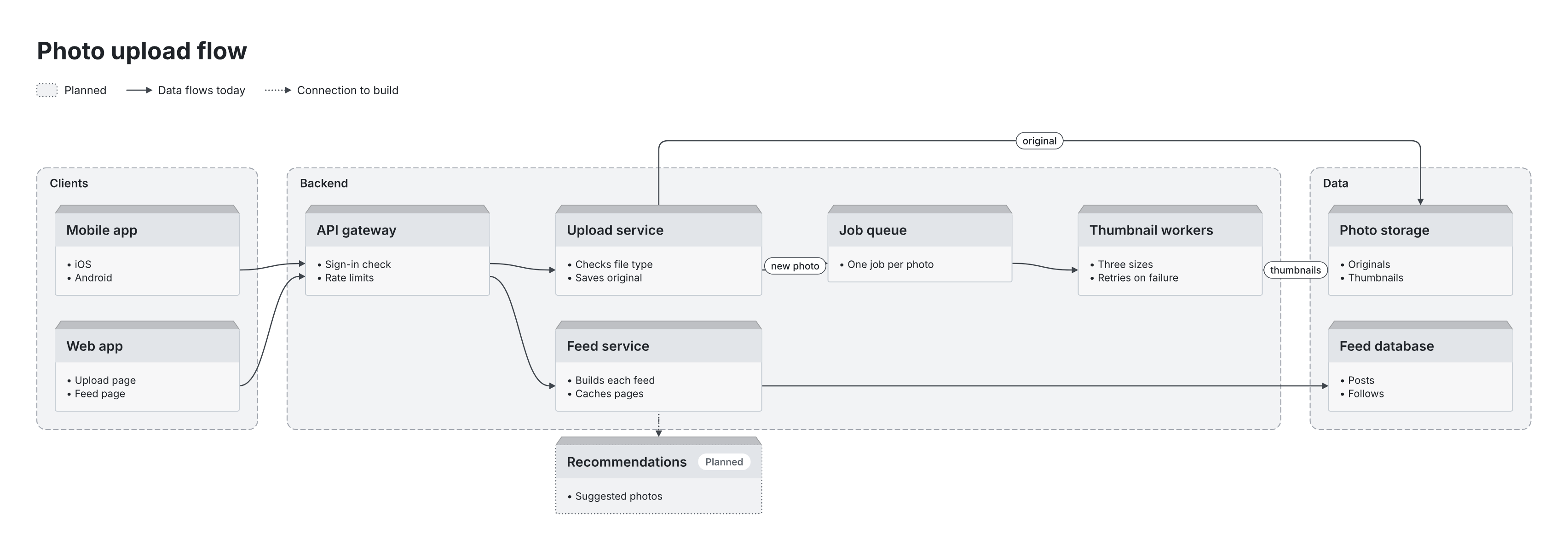
Made in 0.59 s. 0 layout problems. Source
Mermaid0.76 s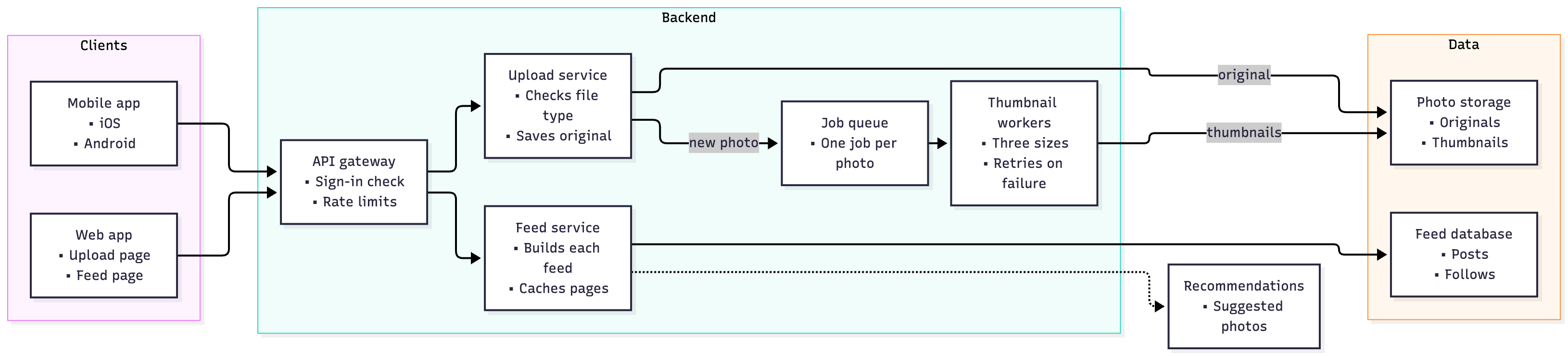
Made in 0.76 s. Source
D20.017 s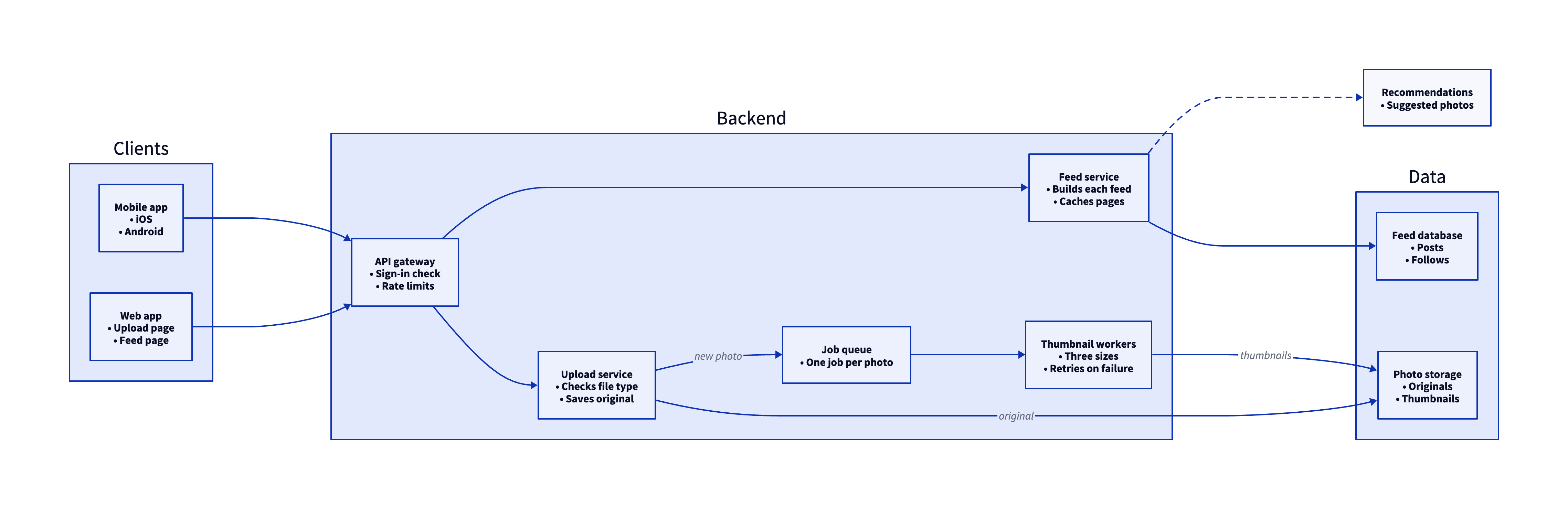
Made in 0.017 s. Source
Excalidraw0.020 s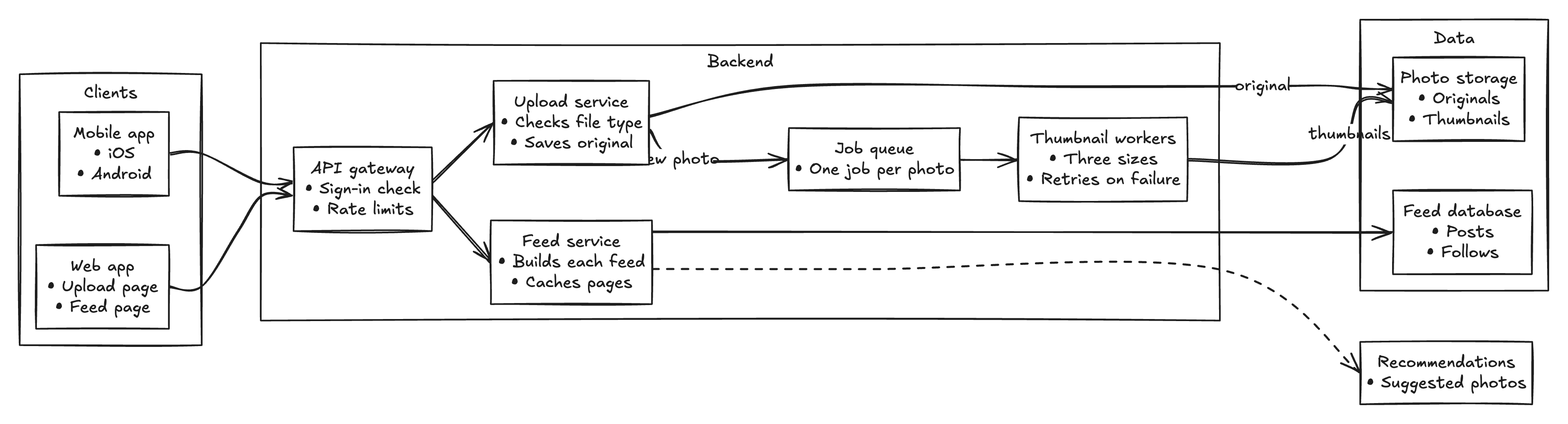
Made in 0.020 s inside the browser, from the Mermaid file. Source
archify0.28 s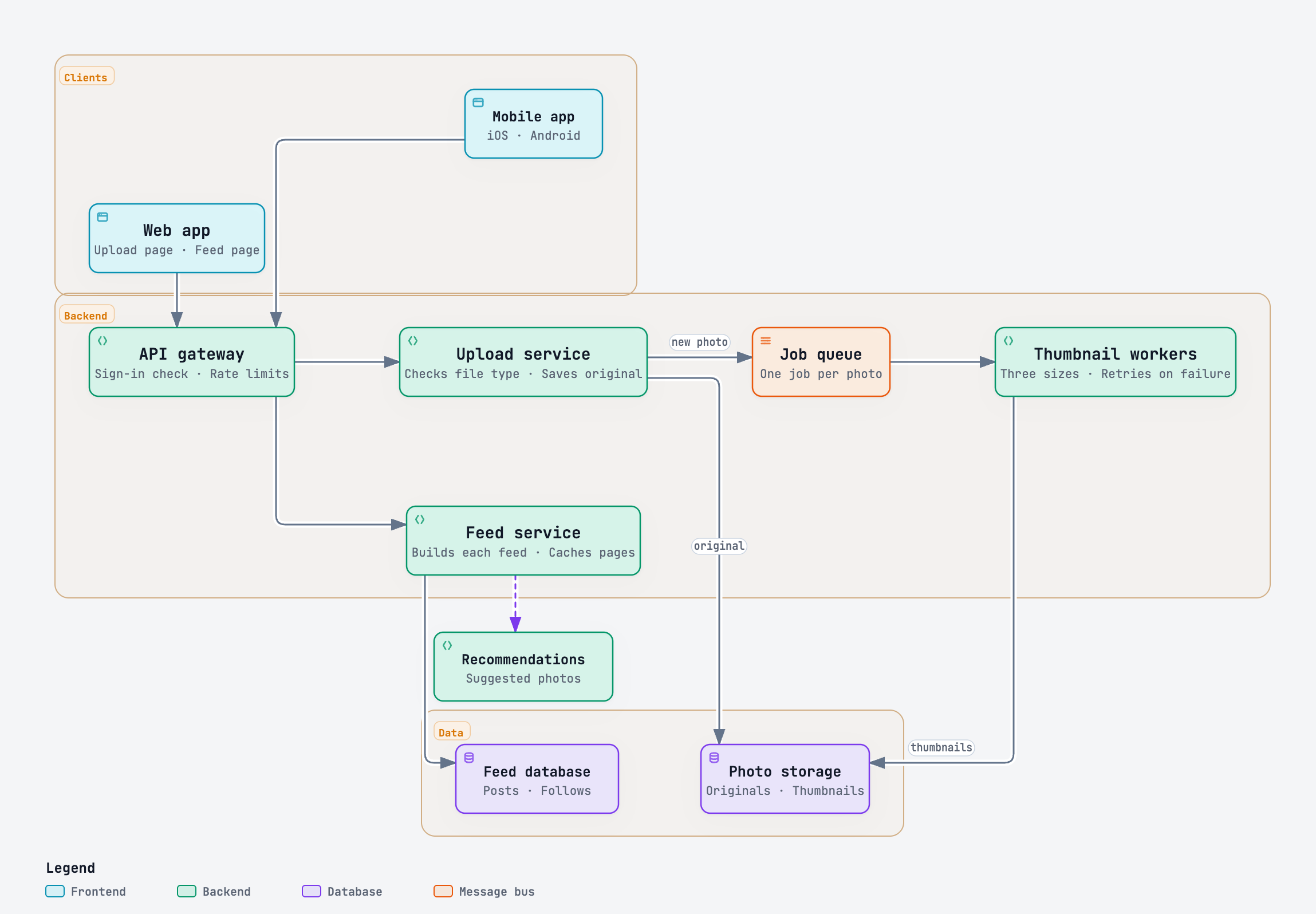
Made in 0.28 s. Its layout checks passed. Source
Only open-diagram and archify check every layout
| Tool | Input | Layout | Checks layout | Output | MCP | License | Price |
|---|---|---|---|---|---|---|---|
| open-diagram | Python, JSON, Mermaid | Automatic | Yes | SVG, PNG | Yes | MIT | Free |
| Mermaid | Text | Automatic | No | SVG, PNG, PDF | Yes | MIT | Free; paid app from $10 a user a month |
| D2 | Text | Automatic | No | SVG, PNG, PDF, PowerPoint, GIF | No | MPL-2.0 | Free |
| draw.io | Editor | By hand | Only in its MCP viewer | PNG, SVG, PDF and more | Yes | Apache-2.0 | Free |
| Excalidraw | Editor | By hand | Only in its paid MCP server | PNG, SVG | Yes | MIT | Free; Plus from $6 a user a month |
| archify | JSON | Automatic | Yes | Interactive HTML page | No | Apache-2.0 | Free |
MCP lets AI apps such as Claude and Cursor use a tool directly. Each tool drew the same boxes and bullets. Times run from source file to finished SVG on one Mac; each is the median of five runs.