Diagram text too small: how to fix it
The message means some text in the picture is smaller than the theme's minimum of 10 px.
Updated
{"title": "Weather app",
 "theme": {"tile": 9},
 "columns": [[{"id": "app", "title": "Phone app", "tiles": ["Today, hour by hour, with rain chances"]}]]}
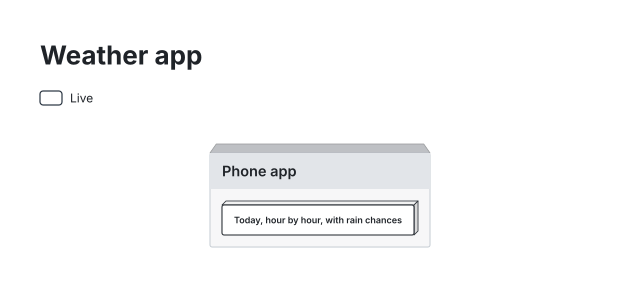
The check: 1 layout problem(s)
smallest text is 9 px; the theme's minimum is 10 pxWhy does it happen?
The theme sets a text size under 10 px. The check records the size of every piece of text it draws, then compares the smallest with the theme's minimum, min_text.
The default sizes all sit above the minimum: 12 px for tile labels, and 10.5 px for a tile's second line, line labels and footers. Here "tile": 9 takes tile labels under it. open-diagram draw prints the smallest text size on every run, next to the count of layout problems.
How do I fix it?
Keep the theme's sizes, and shorten the words. At the default size, a long label makes its box wider or wraps onto another line, because each block measures its own words.
- Remove the size from
theme, or set it to 10 or more. - Shorten the label to four words or fewer.
- Move the detail into the tile's
sub, a second line at 10.5 px. - Run the check again.
Here theme is gone, the label keeps "Today, by the hour", and "with rain chances" moves to sub. The check reports 0 layout problems:
{"title": "Weather app",
 "columns": [[{"id": "app", "title": "Phone app", "tiles": [{"label": "Today, by the hour", "sub": "with rain chances"}]}]]}
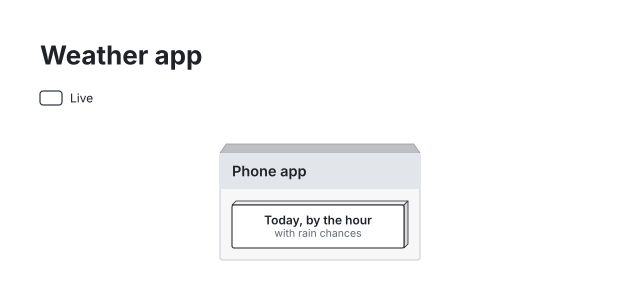
The check: 0 layout problems
In Python, the same tile is Tile("Today, by the hour", sub="with rain chances").